
The Smart Way to Use Free Stock Photos in Your Business Marketing

photo credit: kaboompics
Free stock photos can elevate your brand, or dilute it. Here’s how to choose and use them wisely in your marketing.
A lot of business owners assume their brand feels “off” because they haven’t invested in a professional photoshoot yet.
So they blame the stock photos.
But here’s the truth:
Free stock images aren’t the problem. Random choices are.
I’ve seen beautiful websites fall flat because the visuals felt disconnected - cool-toned corporate images next to warm, earthy branding. Perfectly staged office shots paired with a brand that’s supposed to feel personal and approachable.
Individually, the photos were fine.
Together, they told no story.
And when your visuals don’t tell a clear story, your brand starts to feel inconsistent. Not necessarily unprofessional — just uncertain. That subtle uncertainty creates hesitation.
Most people approach stock imagery reactively.
They open a free stock site, type something broad like “woman on laptop,” scroll for a few minutes, download one image that looks decent, and move on.
Then next week, they repeat the process.
That’s how marketing starts to feel pieced together instead of positioned.
01. Search for Atmosphere, Not Objects
Instead of searching for what’s in the photo, search for how it feels.
Lighting shapes perception faster than color ever will. Is your brand soft and warm? Bright and minimal? Moody and editorial?
Try searching phrases like:
natural window light workspace
warm lifestyle candid meeting
neutral minimal desk flat lay
When you search for mood instead of objects, the results feel instantly more aligned.
02. Download in Sets, Not Singles
This one shift makes a bigger difference than most people realize.
When you find a photo that feels right, don’t stop there. Click into the photographer’s profile and download 3–5 images from the same creator.
Photographers shoot with consistent lighting, similar environments, and cohesive editing styles.
That natural consistency creates brand cohesion without you forcing it.
Now your website banners, blog graphics, and social posts feel connected — because visually, they are.
03. Filter Every Image Through Your Brand Lens
Before downloading anything, pause and ask:
Does this match my brand’s tone?
If your brand feels refined and elevated, cluttered or chaotic imagery will dilute that. If your brand is warm and relationship-driven, overly corporate boardroom visuals will contradict your message.
Your visuals are part of your positioning.
They either reinforce credibility or quietly weaken it.
04. Build a Small, Strategic Visual Library
Instead of starting from scratch every time you create content, curate a library inside Canva.
Create folders for:
Website imagery
Blog visuals
Social backgrounds
Email marketing graphics
Download wide shots, close-ups, and detail images within the same aesthetic.
This reduces decision fatigue and keeps your marketing consistent as you grow.
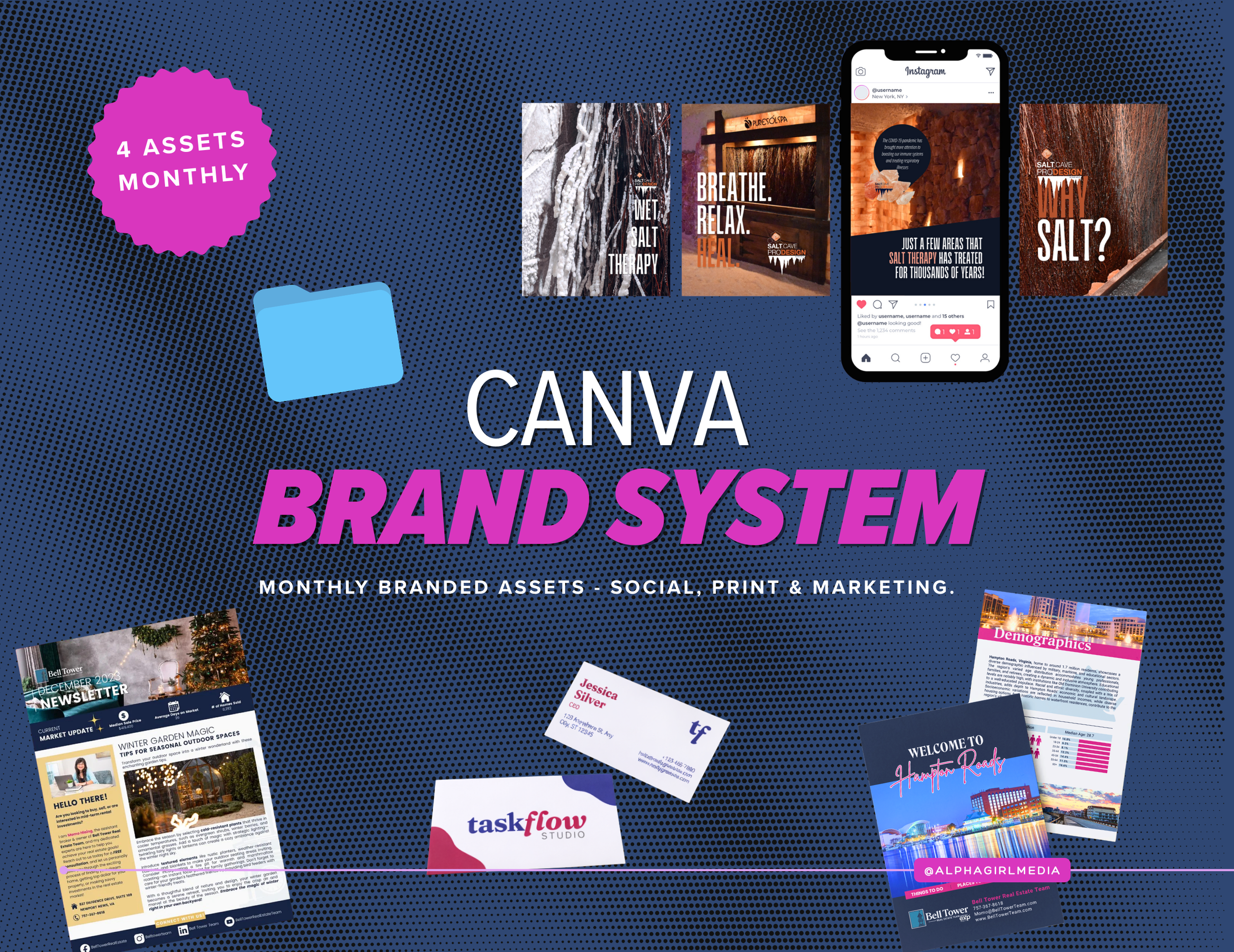
Canva Brand System
Free stock photos work best when they live inside a structure.
Turn scattered visuals into organized, reusable brand assets.
05. Choose Real Over Perfect
Perfect doesn’t build trust. Relatable does.
Images where something is happening — coffee being poured, notes being written, a conversation mid-laugh — feel more believable than stiff, staged poses.
Movement creates energy. Energy creates connection.
And connection builds confidence.
You don’t need a five-figure brand shoot to look established.
You need intentionality.
Free stock photos can absolutely support a growing business, when they’re chosen strategically instead of randomly.
It’s a subtle shift.
But your audience feels the difference immediately.

Where to Find Free Stock Photos, and How to Use Each Site Strategically
Not all free stock photo websites are the same.
They may look similar at first glance, but each platform has a slightly different style, strength, and best use case. If you understand what each one does well, you can search smarter — and waste less time scrolling.
Here’s how to use the most popular free stock sites strategically in your business marketing.
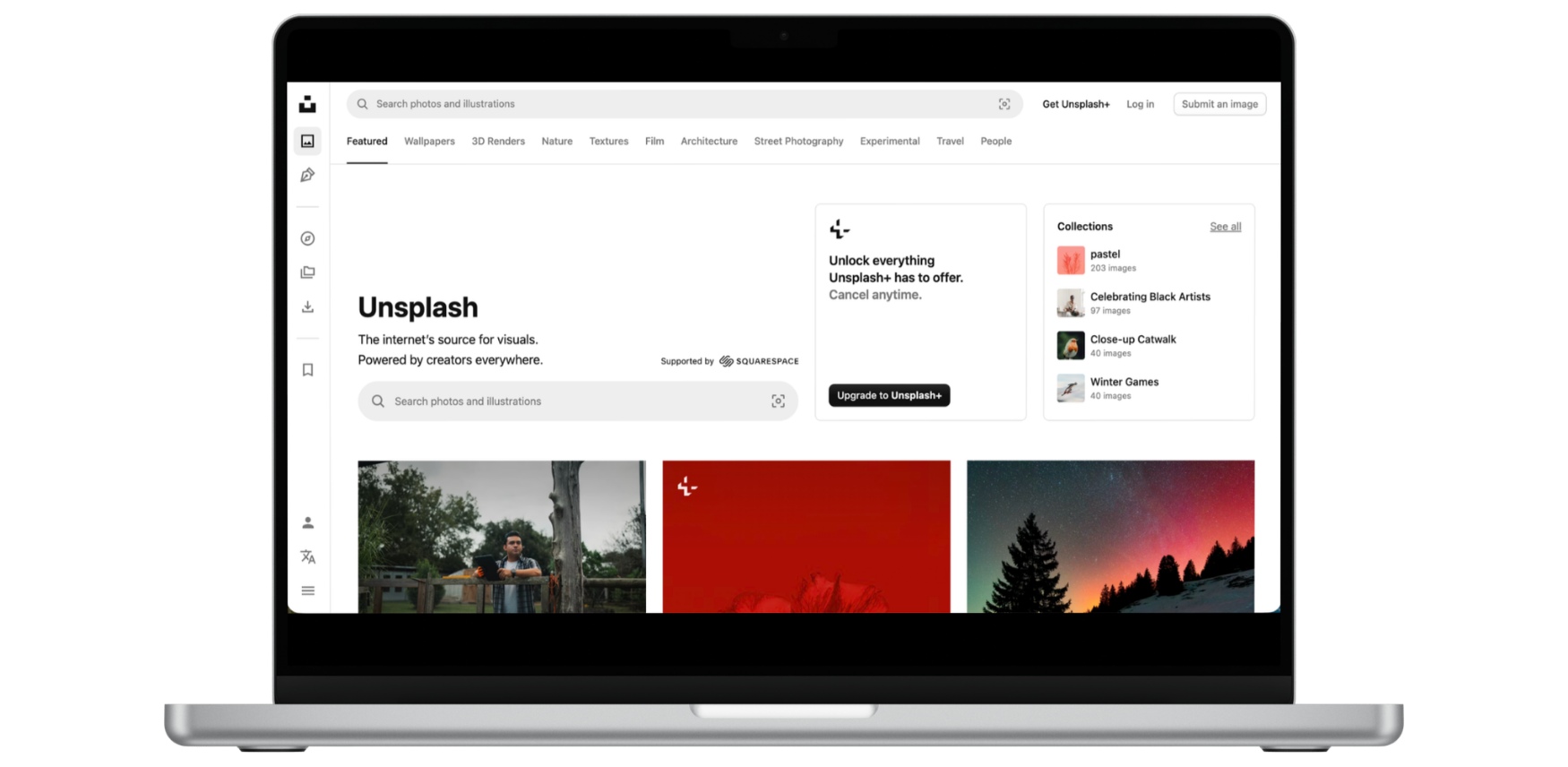
Visit unsplash.com
Unsplash: Best for Elevated, Editorial-Style Imagery
Unsplash is known for high-quality, artistic photography. Many images feel modern, minimal, and lifestyle-driven.
How to use it well:
Search for lighting and mood first (e.g., “warm morning light office” instead of “office desk”).
Click into the photographer’s profile and download multiple images from the same shoot.
Avoid the most downloaded images — if you’ve seen it five times before, so have your clients.
Unsplash works especially well for:
Website hero sections
Blog headers
Brand-forward social posts
It’s ideal when you want your business to feel polished and editorial rather than corporate.
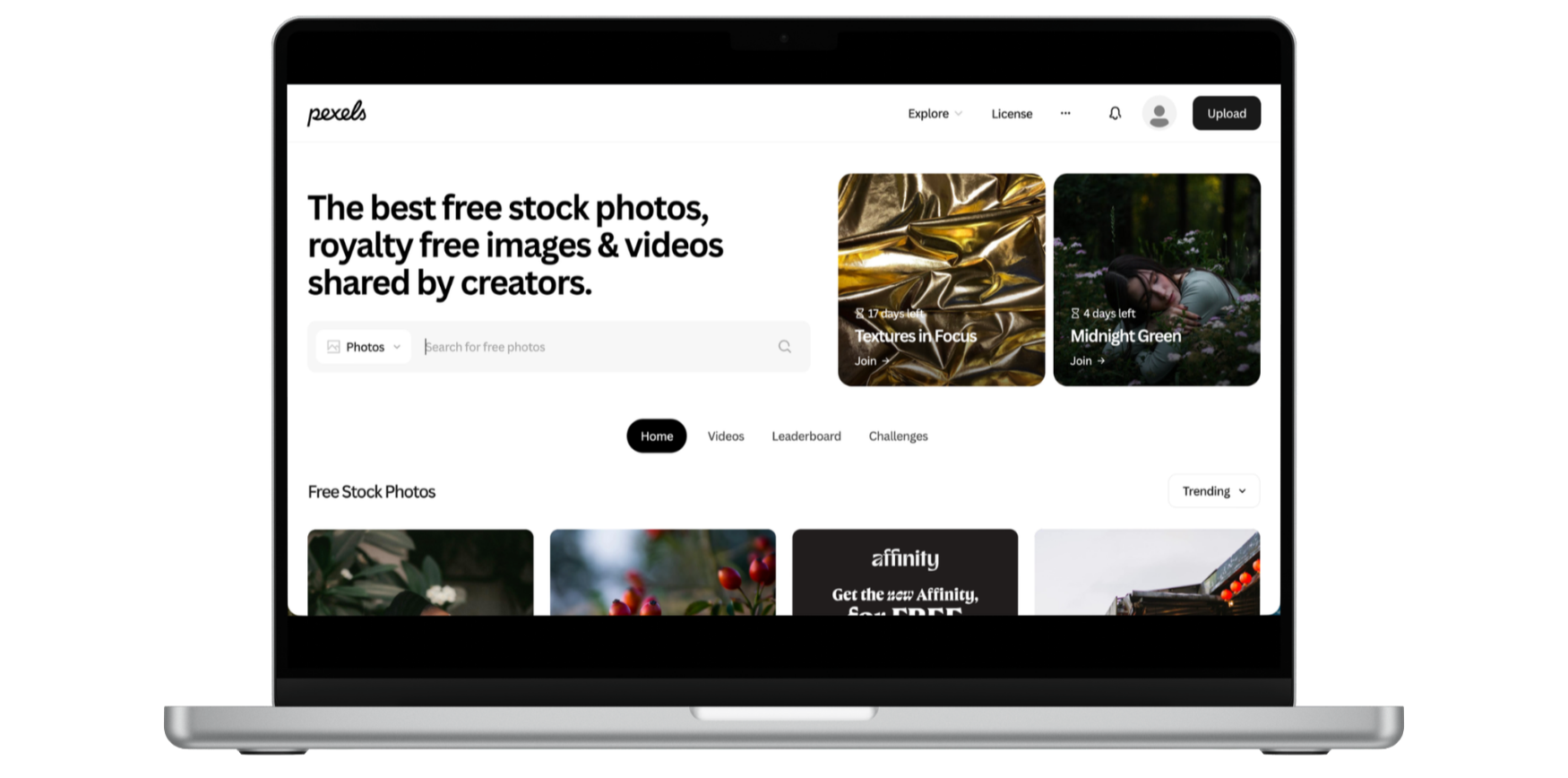
Visit pexels.com
Pexels: Best for Relatable, Real-Life Business Moments
Pexels tends to lean slightly more practical and business-focused than Unsplash. You’ll find more straightforward “entrepreneur at work” type imagery.
How to use it well:
Add specificity to your search terms (e.g., “female creative packaging orders small business”).
Filter by orientation if you’re creating website banners versus Instagram posts.
Pay attention to skin tones, diversity, and authenticity — choose images that reflect your audience.
Pexels is great for:
Social media backgrounds
Email marketing visuals
Service-based business content
If your brand tone is approachable and service-driven, this platform can support that well.
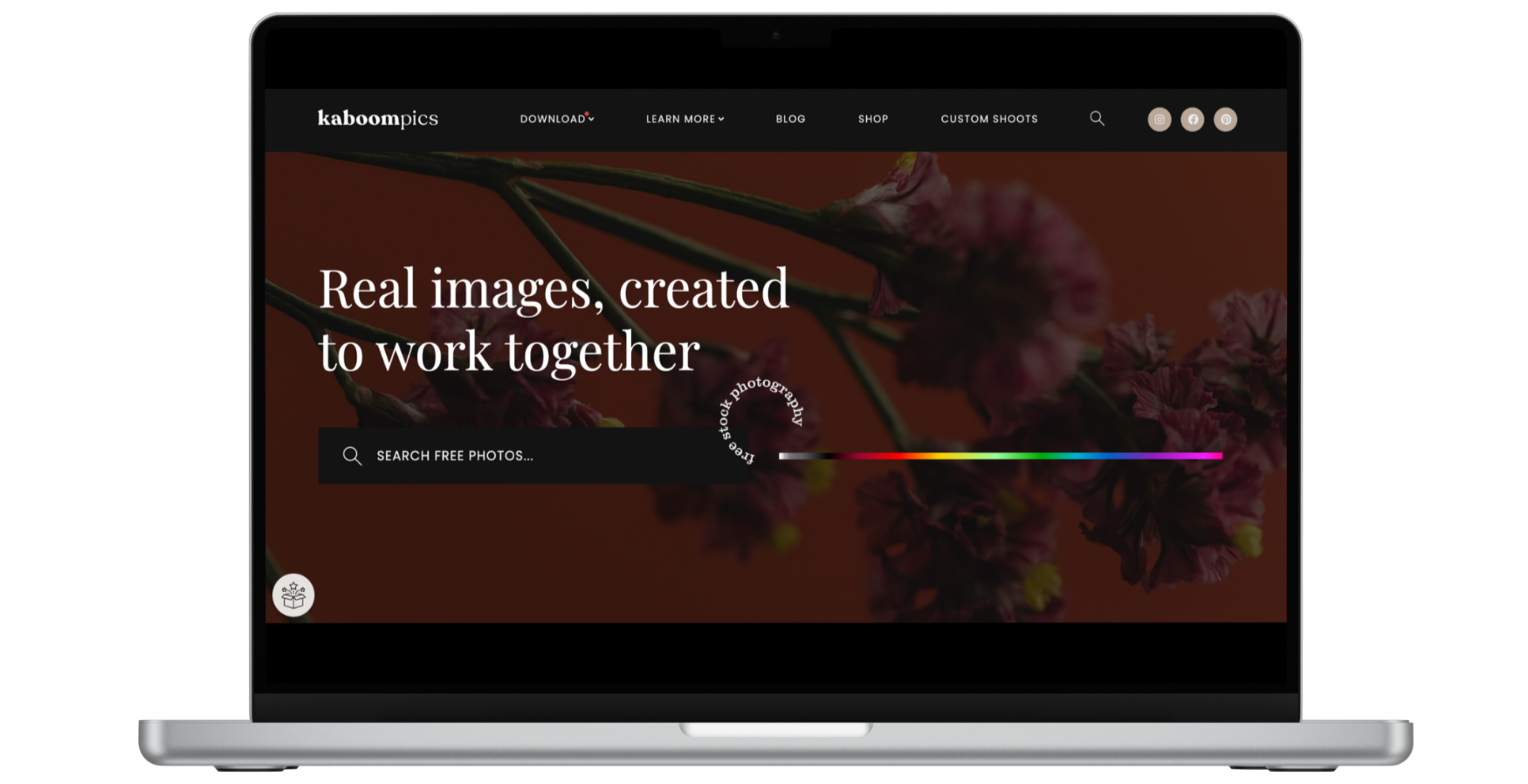
Visit Kaboompics.com
Kaboompics: Best for Cohesive Color Stories
Kaboompics is incredibly useful if you care about color consistency.
One of its best features? It often shows coordinated photos from the same styled shoot — including matching flat lays and detail shots.
How to use it well:
Search by color to align with your brand palette.
Download full sets from the same shoot for instant cohesion.
Use detail shots to create layered graphics in Canva.
Kaboompics is especially powerful for:
Lifestyle brands
Feminine or warm-toned brands
Consistent Instagram feeds
If visual cohesion is your goal, this platform makes it easier.
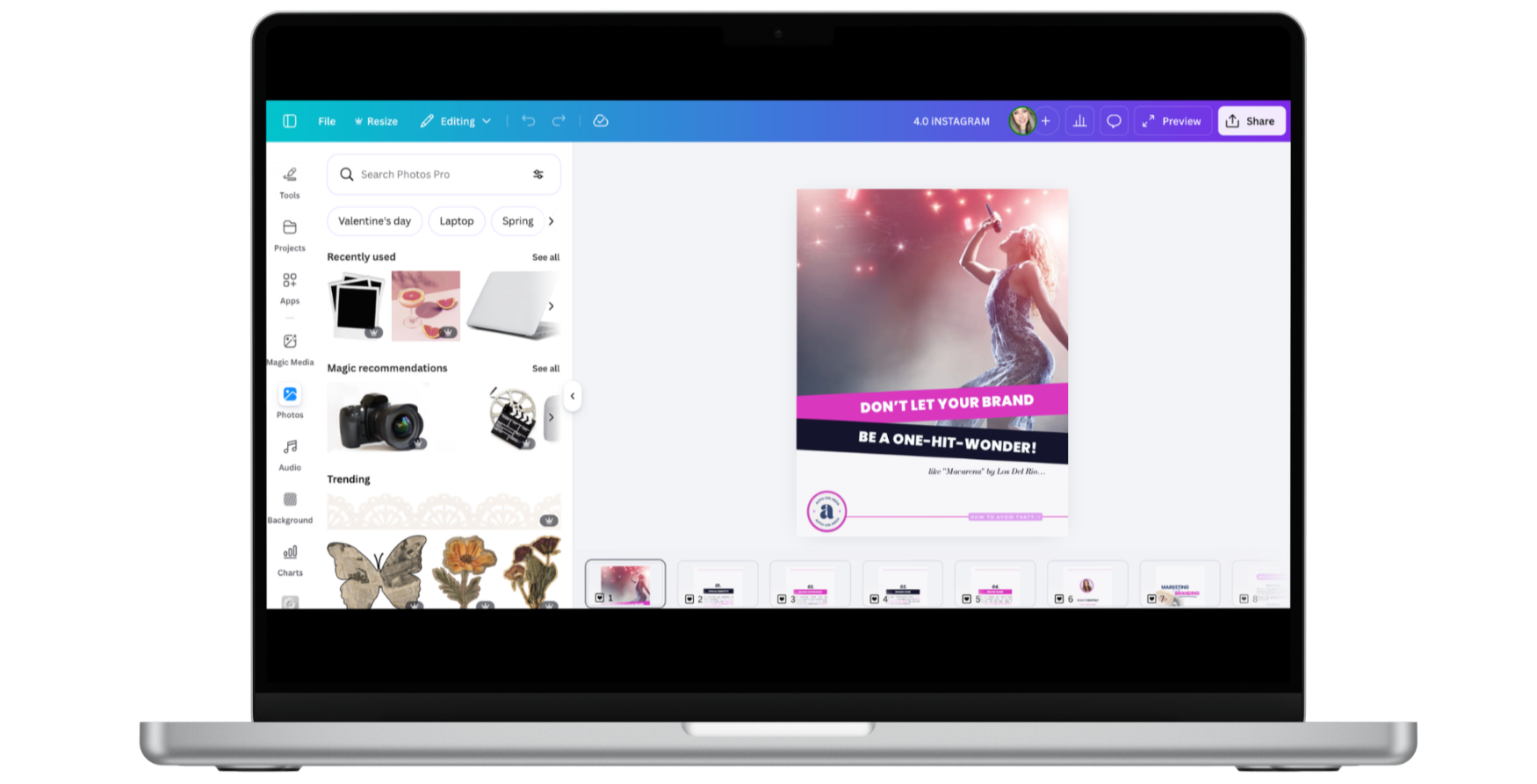
Visit Canva.com
Canva: Best for Integrated, Ready-to-Use Visuals
Most business owners think of Canva as a design tool — but it’s also a stock photo platform.
Inside Canva, you’ll find built-in free photos (and more if you’re using Canva Pro), which makes it incredibly convenient when you’re creating social posts, presentations, lead magnets, or website graphics.
How to use it well:
Use Canva’s filters to adjust warmth, brightness, and contrast so images match your brand tone.
Search within “Collections” to find visually cohesive sets.
Create folders in your Brand Hub or Projects to store approved, on-brand images.
The biggest advantage of Canva? Efficiency.
Instead of downloading from one platform, uploading to another, and resizing manually, everything lives in one workspace.
That said, don’t rely solely on the first page of results. Many users pull from the same trending images. Scroll deeper, refine your search terms, and choose photos that feel less obvious.
Canva works especially well for:
Social media graphics
Lead magnets and PDFs
Presentation decks
Branded templates
When used strategically, Canva becomes more than a design tool — it becomes your visual command center.
And when your imagery, templates, and brand assets all live in one organized system, your marketing starts to feel intentional instead of improvised.
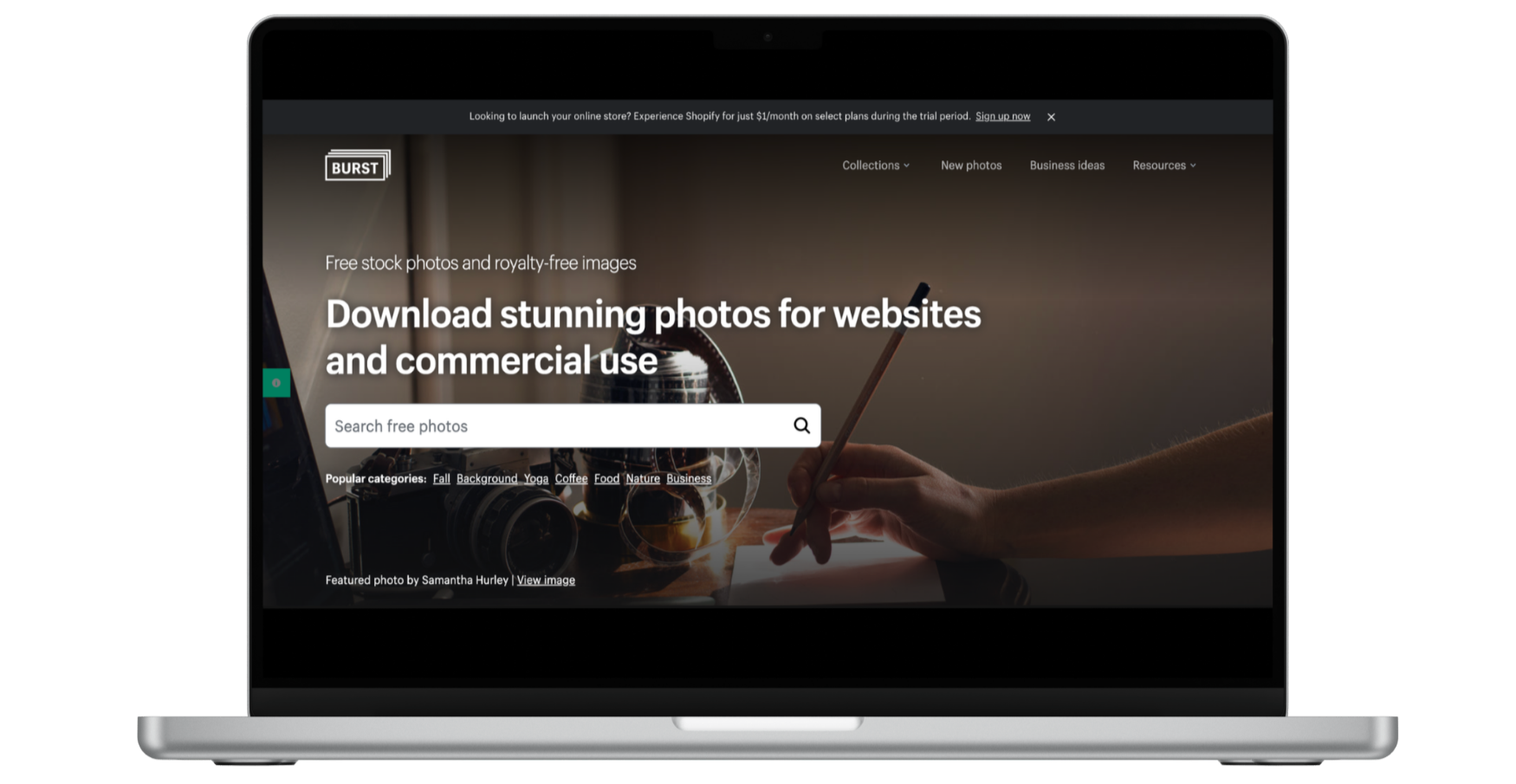
Visit BurstByShopify
Burst by Shopify: Best for Product-Based and E-Commerce Brands
Burst was created by Shopify, so it naturally leans toward entrepreneurs, product businesses, and online stores.
You’ll find imagery that feels more commercially intentional — packaging shots, flat lays, retail environments, shipping moments, and lifestyle product photography.
How to use it well:
Search for industry-specific terms (skincare packaging, handmade jewelry display, boutique owner working).
Look for image sets that show products from multiple angles.
Choose photos that leave negative space so you can layer text in Canva.
Burst works especially well for:
E-commerce website banners
Product launch graphics
Email marketing promotions
Seasonal campaigns
If you sell physical products — or want your brand to feel retail-ready — Burst is a strong resource.
Just like with any stock platform, avoid the most obvious hero images. Dig one page deeper. The less “homepage obvious” the image feels, the more unique your brand will look.
A Final Strategic Reminder
Free stock photos should support your brand, not define it.
Before downloading anything, ask:
Does this align with my tone?
Would my ideal client see themselves here?
Does this feel consistent with the rest of my marketing?
The platform you use matters less than the intention behind your choices.
When you search with strategy instead of urgency, free stock imagery becomes a powerful branding tool, not a temporary fix.

When Free Stock Photos Start Working For You
Free stock photos aren’t meant to replace professional brand photography forever.
But they can bridge the gap beautifully - if you use them intentionally.
When your visuals feel cohesive, aligned with your tone, and strategically chosen, your marketing immediately looks more established. More considered. More trustworthy.
And that’s what most growing businesses actually need - not perfection, but consistency.
The challenge isn’t finding good images.
It’s organizing them, using them consistently, and turning them into repeatable marketing assets instead of one-off posts.
That’s where structure matters.
When your brand visuals, stock library, templates, and marketing assets live in one organized space, you stop starting from scratch every time you create something.
The result?
Your content looks aligned.
Your messaging feels stronger.
And your marketing stops feeling reactive.
Because the right branding doesn’t just make your business look better.
It supports how you grow.
If you’re working toward a more structured approach to your visuals, you can explore the Canva Brand System here.
